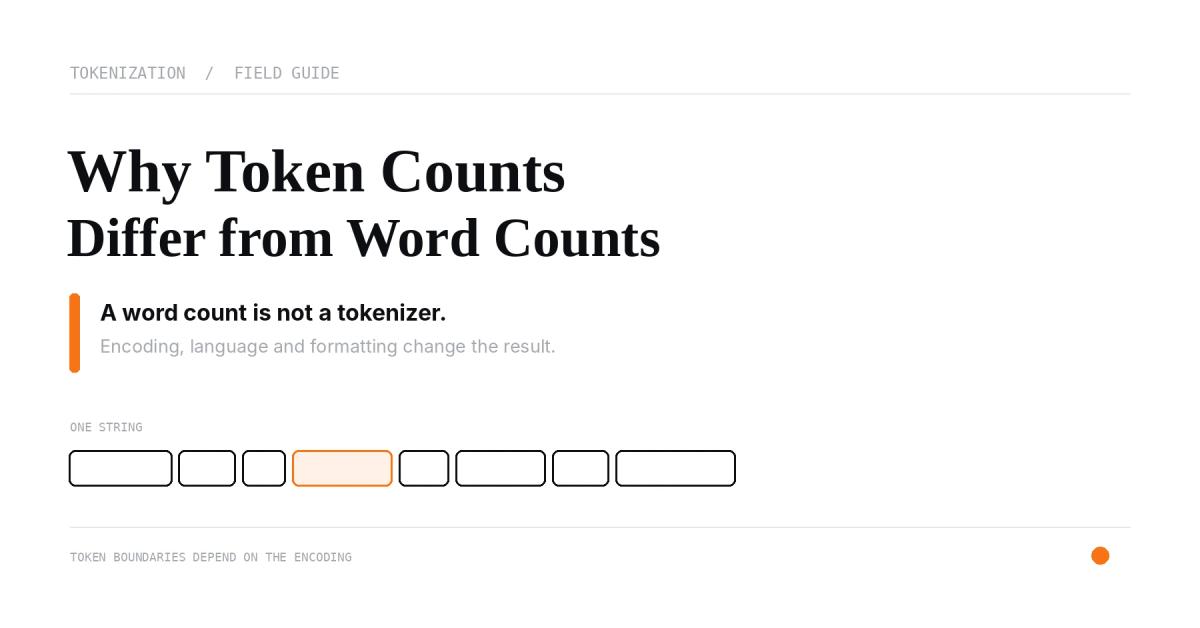
A word count cannot tell you exactly how many tokens an LLM will process. Token counts depend on the tokenizer or model family, the spelling and formatting of the text, and sometimes the structure of the API request around it. Rules such as “one token equals three-quarters of a word” are rough estimates for some English text—not a reliable conversion formula.
If you need a useful count, measure the text with the tokenizer used by your target model. For OpenAI requests, tiktoken can count text using supported encodings; for a complete API request, use the provider’s token-counting API when available. The Letinix Token Calculator provides exact counts for its supported OpenAI encodings and labeled estimates for other models.
A word and a token measure different things#
A word count treats text as words according to a counting rule. A tokenizer divides text into units from a model’s vocabulary. Depending on the encoding, a token may represent a whole word, part of a word, punctuation, whitespace attached to text, or a short sequence of characters.
Consider this illustrative text:
Retry the request if status_code == 429.
A word counter might count the identifiers and punctuation according to its own splitting rules. A tokenizer instead applies its learned vocabulary and segmentation rules. It may represent status_code, 429, the equality operator, and surrounding spaces as several tokens or as fewer units. The exact result depends on the encoding; the example is not assigned a universal token count here.
That is why word count, character count, and token count should be treated as separate measurements.
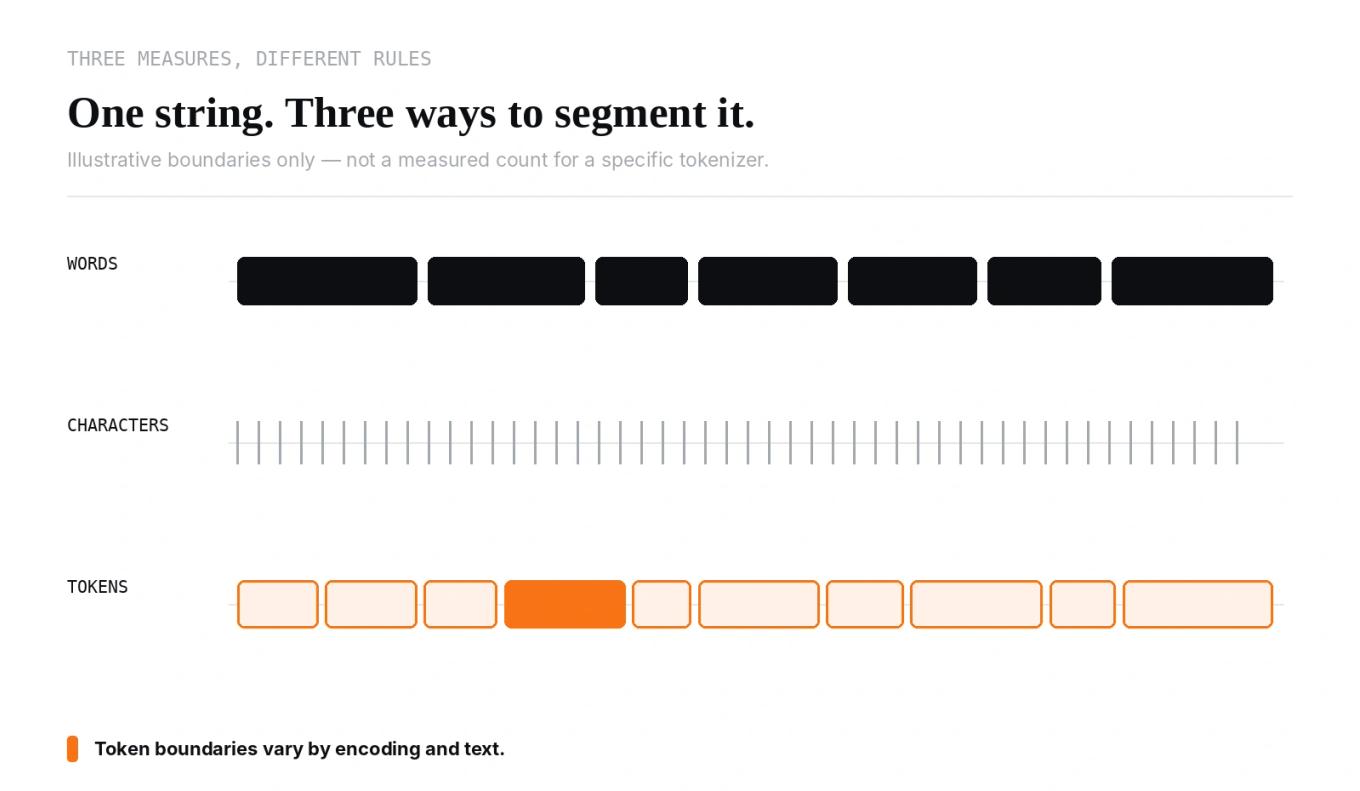
Why the same text can produce different token counts#
The tokenizer matters#
Different model families use different token vocabularies and segmentation rules. Even within one provider, an encoding used by one model generation may differ from another.
OpenAI’s maintained tiktoken library exposes named encodings and can map supported model names to an encoding with encoding_for_model(). Its documentation includes o200k_base and cl100k_base, among others. A count produced with one encoding is exact for that encoding; it is not automatically exact for another provider’s tokenizer.
Anthropic and Google provide model-aware token-counting interfaces for their APIs. Use the provider’s own counting method when the result must match a request to that provider. A generic tokenizer from another ecosystem is not a substitute.
Spelling, punctuation, and formatting matter#
Tokenization does not simply split at spaces. Capitalization, contractions, uncommon identifiers, repeated punctuation, numbers, and whitespace can change how a sequence is segmented. A familiar word may be represented compactly, while an unusual string may be divided into smaller pieces.
This matters for prompts containing paths, version numbers, hashes, log lines, stack traces, source code, or JSON. A character-based rule of thumb can be useful for rough planning, but it can miss how technical strings are actually segmented.
Language matters#
The relationship between words, characters, and tokens is not constant across languages. Word boundaries differ, scripts encode information differently, and a tokenizer’s vocabulary may represent some languages more efficiently than others. Do not carry an English-text estimate into multilingual content as though it were a guarantee.
When is a token estimate good enough?#
Use the method that matches the decision you need to make.
| Task | Suitable method | Important limitation |
|---|---|---|
| Roughly size a short English draft | Character- or word-based estimate | Not an exact tokenizer count |
| Count plain text for a supported OpenAI encoding | Compatible tokenizer such as tiktoken | Exact for that encoding, not necessarily the full API request |
| Count a request for a specific provider | That provider’s token-counting API | Check which request components the endpoint accepts and counts |
| Verify actual production usage | Response usage fields | Available after the request; field names vary by API |
For a quick first pass, paste the text into the Letinix Token Calculator. The tool’s current documentation says it computes exact counts for o200k_base and cl100k_base; for other selected models it estimates tokens as characters divided by four, rounded up. It processes up to 500,000 characters in the browser. Its non-OpenAI estimates can be substantially inaccurate, especially for code and non-English text.
If your application depends on a hard limit, use a model-specific method instead of relying on a generic estimate.
Plain-text counts are not complete API request counts#
A local tokenizer answers a narrow question: how does this text segment under this encoding? An API request can include additional structure, including message roles and boundaries, system instructions, tool definitions, schemas, images, files, or other multimodal content.
For example, counting only the visible user prompt does not account for a system instruction or a JSON schema passed as a tool definition. The provider’s request-level counting endpoint is the better fit when you need to know how much input a structured request will consume. OpenAI documents a Responses API input-token counting endpoint; Anthropic’s token-counting endpoint accepts structured message inputs and supported tools and media; Google documents count_tokens for Gemini inputs.
Even then, distinguish input tokens from output allowance and billed usage. A count of input tokens does not predict how many tokens the model will generate. Context limits and output limits are separate constraints, and some models also use internal reasoning tokens that affect usage. Check the documentation for the exact model and API endpoint you deploy.
A practical workflow for developers#
- Choose the target model first. Do not estimate against a convenient tokenizer and assume the result transfers to another model family.
- Count the actual text you plan to send. Include the system prompt, retrieved passages, conversation history, and other text components you control.
- Count the structured request when possible. Use the provider’s token-counting endpoint for message structure, tools, images, files, or other supported inputs.
- Leave room for output and request overhead. A prompt that nearly fills a context window may leave too little space for generation or additional context.
- Compare with actual usage. Log provider-reported usage in representative requests and revisit assumptions when models, prompts, tools, or content types change.
For the next step, use the Letinix Token Calculator to inspect a text sample and compare its count across supported encodings. If your primary question is financial rather than tokenization or context fit, continue with the LLM API Cost Calculator, which estimates spend from expected request volume and input/output token counts.
References#
- Counting tokens — OpenAI API
- Understanding and counting tokens — OpenAI Help Center
- tiktoken — OpenAI
- Token counting — Anthropic Claude Platform Docs
- Understand and count tokens — Gemini API

Software Engineer and Researcher, writing about AI, developer tooling and automation.