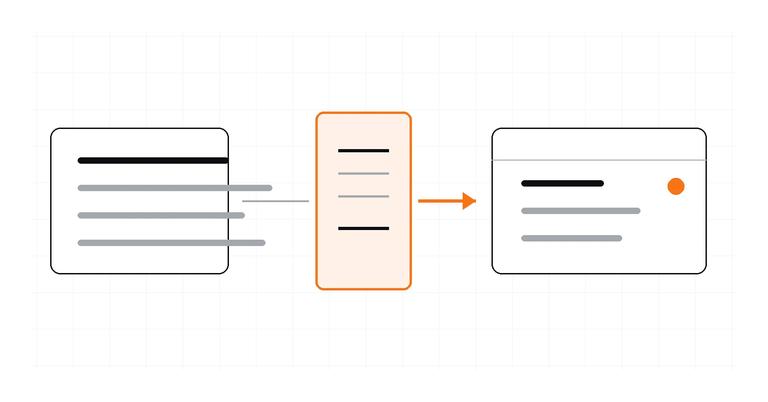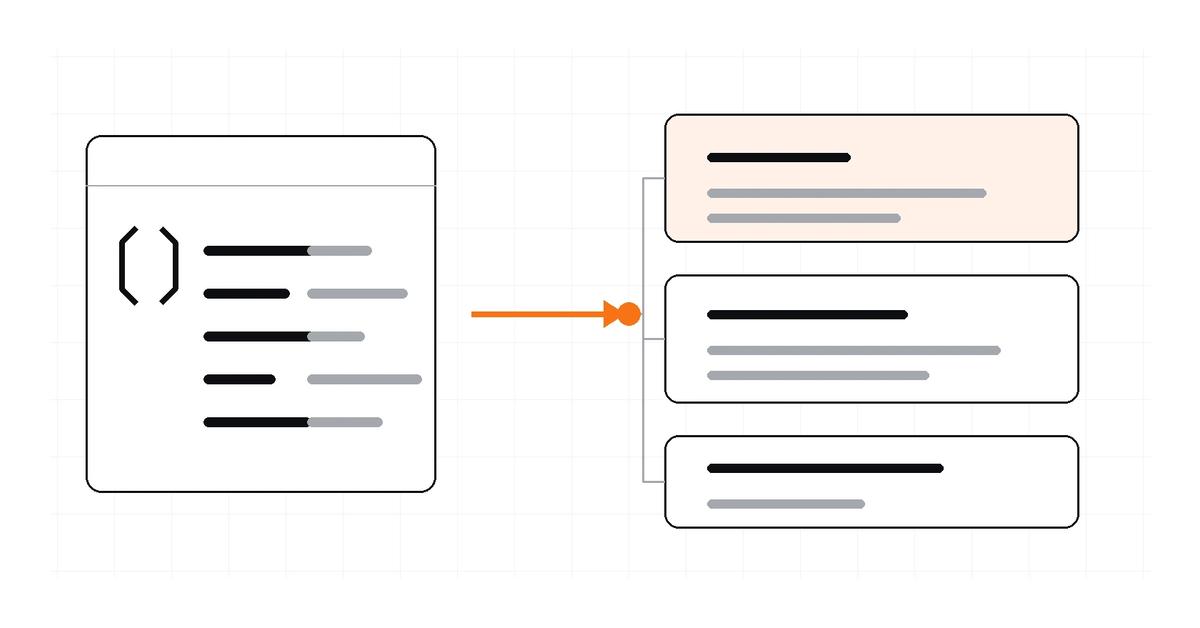
A JSON API response can be converted into TypeScript declarations by mapping each JSON value to a TypeScript type, then extracting nested objects and array items into reusable declarations. A converter is a useful starting point, but the result describes the sample you supplied—not every response the API may return.
For a quick conversion, paste a representative payload into the Letinix JSON to TypeScript Converter. Then review optional fields, null values, and any documented API variants before relying on the generated declarations.
1. Start with a representative response#
Use a response copied from API documentation or a non-sensitive response captured from your own development environment. The following payload is illustrative:
{
  "id": 42,
  "name": "Mina Chen",
  "active": true,
  "profile": {
    "website": null
  },
  "roles": ["editor", "reviewer"],
  "projects": [
    { "id": "p-1", "name": "Docs", "archived": false },
    { "id": "p-2", "name": "API", "archived": true }
  ]
}
The sample includes primitives, a nested object, arrays, and a nullable value. Those are the structures a generated declaration should represent. It does not show whether website can be a string, whether projects can be omitted, or whether the API sometimes returns other fields.
2. Convert the JSON into TypeScript declarations#
The converter's documentation describes output for nested objects, arrays, and mixed-type unions. It also exposes options for interface versus type, adding or removing export, and marking properties readonly. The following TypeScript is an illustrative mapping of the JSON above, not a captured output from a live conversion:
export interface ApiResponse {
  id: number;
  name: string;
  active: boolean;
  profile: Profile;
  roles: string[];
  projects: Project[];
}

export interface Profile {
  website: null;
}

export interface Project {
  id: string;
  name: string;
  archived: boolean;
}
Each object has a declaration, while the parent refers to nested declarations by name. The roles field becomes string[]; projects becomes an array of Project objects. JSON numbers map to TypeScript number, booleans to boolean, and strings to string.
For a small object shape, either an interface or a type alias can describe the object. Interfaces are useful for object contracts that may be extended or declaration-merged. Type aliases are more flexible when the type itself must express a union, tuple, or other composite type. Choose based on the model you need, not on a belief that one syntax is universally safer.
3. Review optional and nullable fields#
A generated declaration can only infer what the sample reveals. In the example, website is always present and always null, so the declaration website: null is a literal description of that sample. It does not establish the API's full contract.
If the API documentation says that website is always present but can contain either a URL or null, model that documented contract as:
interface Profile {
  website: string | null;
}
If the property may be omitted, represent that separate condition with an optional property:
interface Profile {
  website?: string | null;
}
With strictNullChecks, reading an optional property also means accounting for undefined. Do not mark every property optional merely to make an interface permissive. Use API documentation, a schema, or multiple representative responses to decide what can actually be absent.
Objects in the same array can reveal shape differences. For example, if one project object includes archivedAt and another does not, a converter can infer that the key is optional across those observed array items. That is still evidence about the samples, not a guarantee about all future responses.
4. Handle mixed arrays and unknown shapes#
JSON arrays can contain values of different types. For a sample such as:
{
  "values": [1, "pending", null]
}
A reasonable inferred element type is:
type Response = {
  values: (number | string | null)[];
};
The union expresses the observed element types. It does not describe business rules such as which value combinations are valid, whether a string must match a particular set of statuses, or whether an API response can contain a different object variant.
An empty array is even less informative: there is no element from which to infer an item type. Treat an inferred unknown[] as a signal to consult the API contract or provide a more representative sample, rather than guessing the intended item shape.
5. Check the declaration against the API contract#
- Compare required fields with the API's documented response schema.
- Check nullable properties separately from properties that may be missing.
- Inspect arrays with multiple items and any documented response variants.
- Review dates, identifiers, enum-like strings, and numeric fields. JSON alone does not establish that a string is a valid date or that a number is an integer.
- Decide how to handle additional fields and API version changes.
- If you can, generate types from a maintained API schema rather than relying only on one captured response.
For a stable, documented API contract, a schema-based workflow may be a better source of truth. For example, openapi-typescript generates TypeScript types from OpenAPI 3.0 and 3.1 schemas. That workflow starts from an API description rather than inferring a contract from a single payload.
6. Remember what TypeScript types do not do#
TypeScript declarations help the compiler check how your code uses data. They do not inspect an HTTP response at runtime. A declaration such as const user = payload as User does not validate the payload or transform it into a User.
If the data is untrusted or can change independently of your application, validate it at the boundary. Libraries such as Zod let you define a schema and parse an input; Ajv can compile validators for JSON Schema or JSON Type Definition. The right choice depends on whether you already have a schema, how you want to express constraints, and what error handling your application needs.
Use the JSON to TypeScript Converter when you have a JSON sample and need a fast starting declaration. Treat the output as generated source code to review—not as proof that the API contract is complete or that the data is valid.
Common mistakes#
- Treating one response as the entire contract. Collect multiple samples or use the authoritative schema.
- Confusing null with a missing property. T | null and property?: T model different conditions.
- Assuming a type assertion validates data. It only changes what the compiler assumes.
- Inferring semantics from primitive types. A string does not prove a value is a valid date, URL, or known status.
- Ignoring contract drift. Regenerate or update types when the API contract changes, and validate incoming data where runtime correctness matters.
References#
JSON to TypeScript Converter — Letinix
TypeScript Handbook: Object Types
TypeScript Handbook: Everyday Types

Software Engineer and Researcher, writing about AI, developer tooling and automation.