TypeScript types do not validate API responses at runtime. They help the compiler check how your code uses values, but a remote server can still return malformed JSON, missing fields, or values that do not match your declared type. To check the data you actually receive, validate it at the boundary where it enters your application.
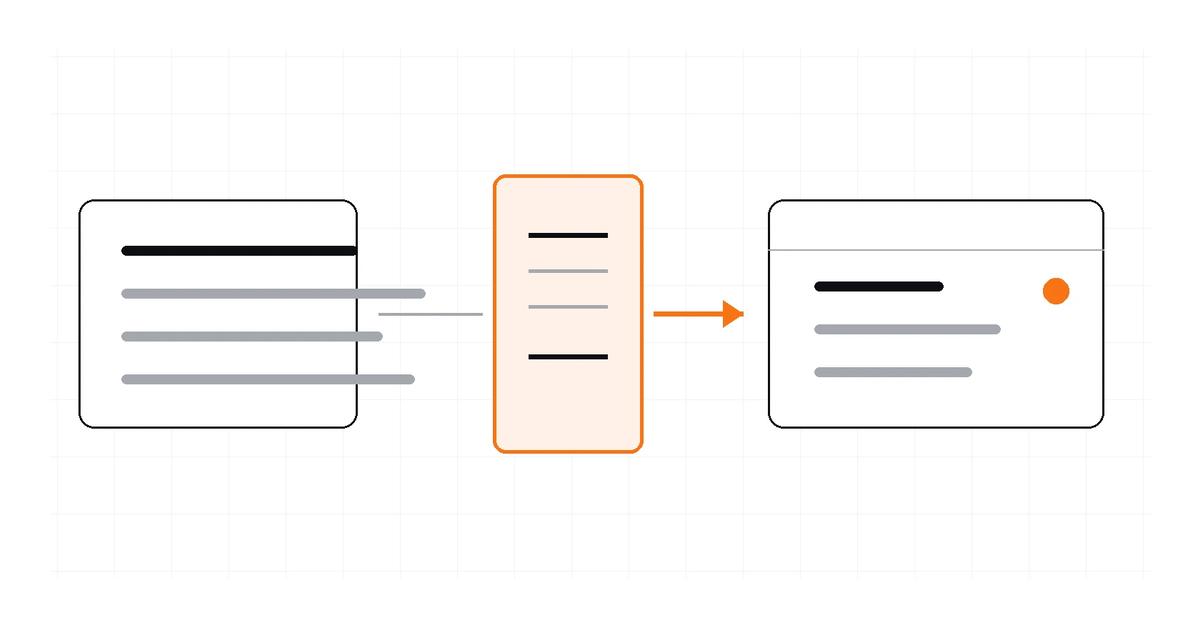
A practical pattern is to treat the payload as unknown, validate it with a runtime schema, and only then use the validated result. This guide uses Zod for a concise example; JSON Schema with a validator such as Ajv is another option when a portable schema is important.
Why a TypeScript annotation is not enough#
This assertion does not inspect the response:
type User = {
  id: number;
  name: string;
};

const user = (await response.json()) as User;
The assertion tells TypeScript to trust the programmer. It does not check that id is a number or that name exists. TypeScript's handbook documents that type assertions are removed at compile time and have no runtime checking.
Parsing JSON is a separate step. JSON.parse() checks whether a string is syntactically valid JSON, but valid JSON can still have the wrong shape for your application. For example, {"id":"not-a-number","name":false} is valid JSON but does not match the User contract above.
Validate at the boundary with Zod#
Install Zod in the project:
npm install zod
Define a schema for the shape your application expects. The example below is illustrative and follows the API documented in Zod's basic-usage guide:
import * as z from "zod";

export const UserSchema = z.object({
  id: z.number(),
  name: z.string(),
  email: z.string().nullable(),
});

export type User = z.infer<typeof UserSchema>;
The schema defines runtime checks, and z.infer derives the corresponding static TypeScript type. In this example, email must be present, but its value can be either a string or null. If the API may omit the property too, make that rule explicit with an optional schema.
Use safeParse() to handle validation failures as data rather than relying on an exception:
import { UserSchema } from "./user-schema";

export async function getUser(id: number) {
  const response = await fetch(`/api/users/${id}`);

  if (!response.ok) {
    throw new Error(`User request failed: ${response.status}`);
  }

  const payload: unknown = await response.json();
  const result = UserSchema.safeParse(payload);

  if (!result.success) {
    throw new Error("The API returned an unexpected user shape");
  }

  return result.data;
}
The result's success branch contains validated data that TypeScript can treat as the inferred type. The error branch contains the validation details, which you can log or map into your application's error model. The example intentionally keeps error handling minimal; production code should choose how much detail is safe to expose to callers.
Decide what the schema should enforce#
A schema should reflect the contract your application needs, not just the first payload you happened to capture. Consider:
- Required properties: which keys must exist for the application to proceed?
- Nullability and optionality: can a key be absent, present with null, or both?
- Constraints: does an identifier need a particular format, or must a status be one of a known set?
- Unknown keys: should additional fields be accepted, stripped, or rejected?
- Variants: does the endpoint return a different object shape for different states?
Runtime validation is only as strong as the rules you define. A schema that checks only id and name will not establish constraints it does not express. Keep validation aligned with the API's documentation and update it when the contract changes.
When JSON Schema and Ajv are a better fit#
Zod is a TypeScript-first option that lets you define schemas in code and infer TypeScript types from them. JSON Schema is a declarative format for describing and validating JSON documents. It can be useful when a schema needs to be shared across services or used by tooling outside TypeScript.
Ajv compiles JSON Schema or JSON Type Definition schemas into validation functions and can integrate validation results with TypeScript's type system. Choose based on your contract source, portability requirements, schema features, and validation workflow—not a blanket claim that one library is best for every application.
If the API already publishes an OpenAPI schema, consider generating TypeScript declarations from that contract instead of manually maintaining a parallel type. For example, openapi-typescript generates types from OpenAPI 3.0 and 3.1 schemas. Generated declarations improve static checking, but they still do not replace runtime validation of data received over the network.
Where JSON-to-TypeScript conversion fits#
A converter is useful when you have a sample response and need a starting type declaration. The Letinix JSON to TypeScript Converter handles documented structures such as nested objects, arrays, and unions inferred from mixed values.
The generated declarations can improve editor feedback and make application code easier to maintain. They cannot prove that future responses match the sample or reject unexpected payloads at runtime. Use sample conversion to bootstrap the static model, then add validation when the boundary and consequences justify it.
Common mistakes#
- Casting a payload and calling it validation. Assertions change compiler assumptions, not runtime data.
- Confusing valid JSON with valid application data. Syntax parsing does not establish that required fields or constraints are satisfied.
- Maintaining a schema that is weaker than the contract. Unchecked fields remain unchecked.
- Ignoring validation failures. Decide how to handle invalid responses and avoid exposing sensitive internal details.
- Assuming generated types stay synchronized automatically. Keep generated declarations and runtime schemas aligned with the authoritative contract.
References#
TypeScript Handbook: Everyday Types
Letinix JSON to TypeScript Converter

Software Engineer and Researcher, writing about AI, developer tooling and automation.