On this page
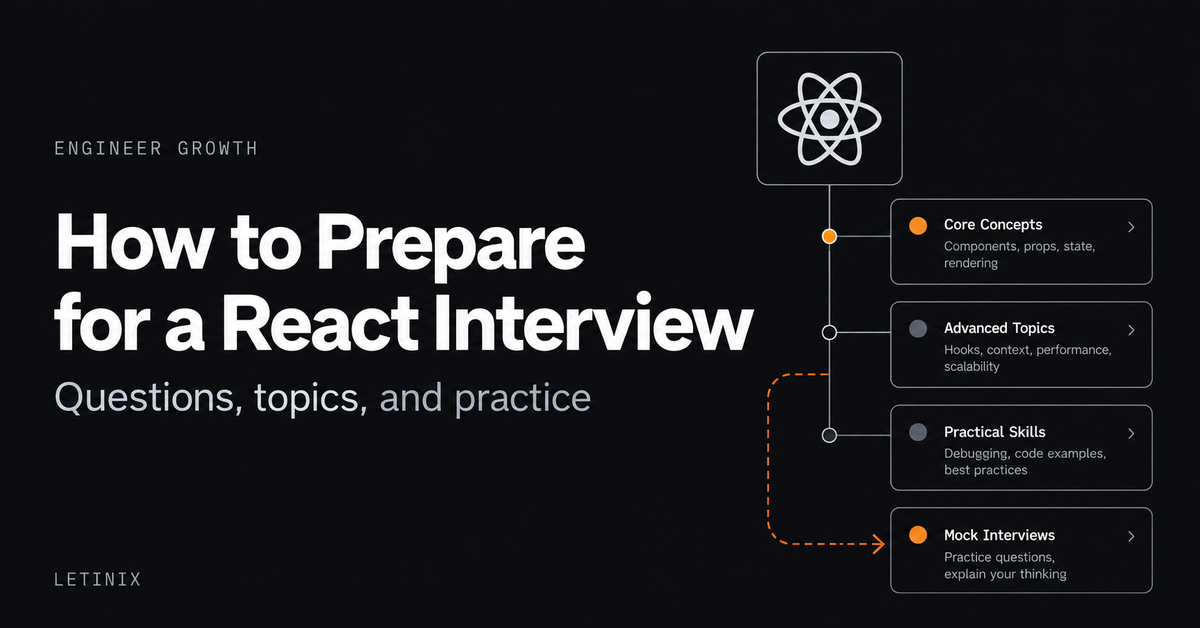
Preparing for a React interview requires more than memorizing Hook names and component definitions. You need to explain how React behaves, identify problems in unfamiliar code, and justify your implementation decisions.
For junior and mid-level frontend engineers, a practical approach is to focus on React fundamentals, state management, rendering behavior, Hooks, forms, and component design, then practice applying those concepts to small problems.
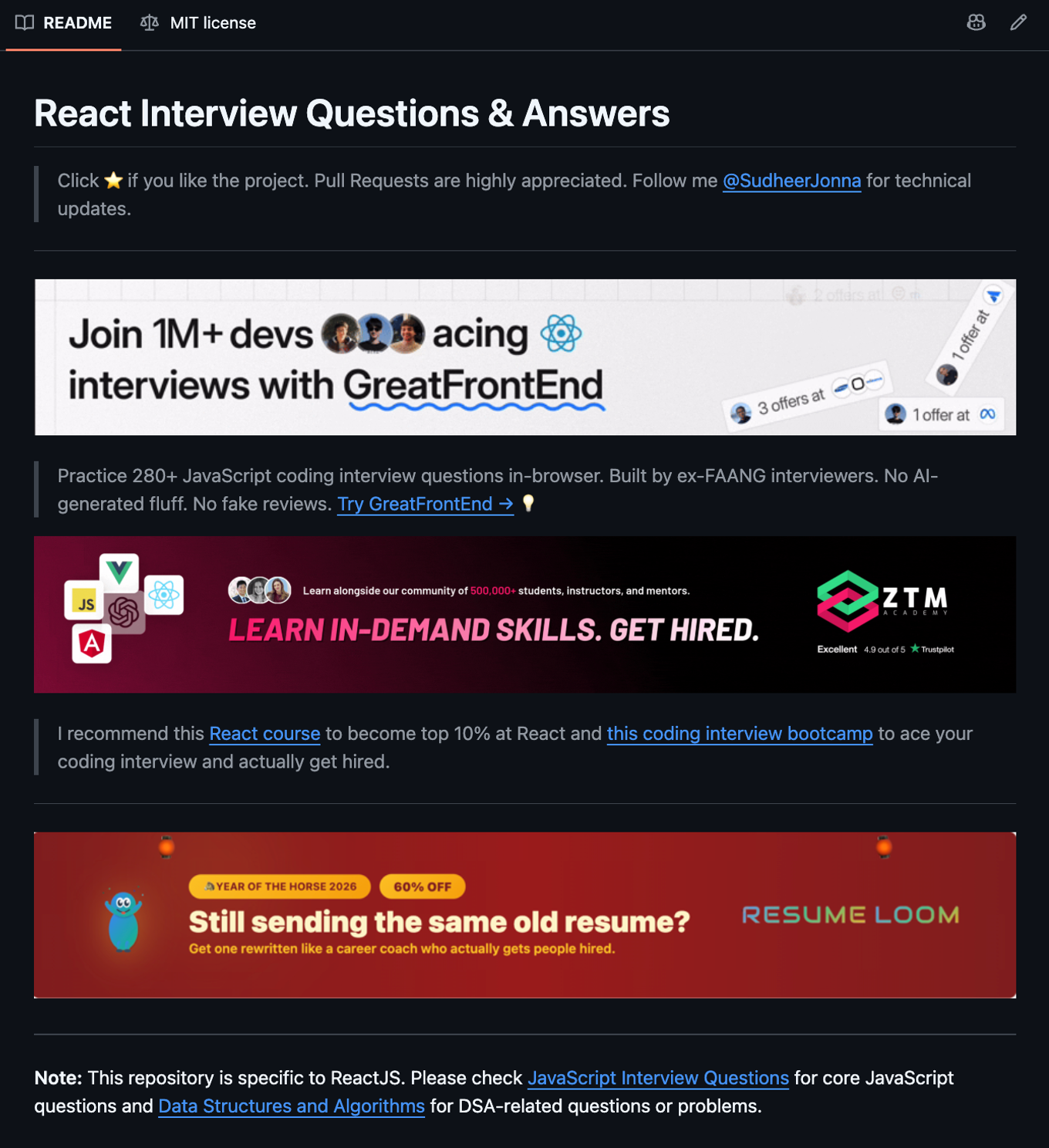
One useful reference is React Interview Questions & Answers, an open-source question bank maintained by Sudheer Jonna. It covers a broad range of React topics, including integrations and coding exercises.
This guide explains which subjects to prioritize, walks through representative interview questions, and shows how to turn the repository into a structured preparation resource.
What Should You Study for a React Interview?#
Start with concepts that affect how you write, debug, and maintain React applications. Knowing the API name is useful, but understanding the behavior behind it is more important.
Topic
What to understand
Components and JSX
Composition, props, component responsibilities, rendering
State management
useState, updater functions, state ownership, immutability
Rendering and identity
Re-renders, reconciliation, keys, preserving and resetting state
Hooks and effects
useEffect, useRef, dependencies, cleanup, custom Hooks
Forms
Controlled inputs, uncontrolled inputs, validation
Performance
memo, useMemo, useCallback, render optimization
Testing and architecture
User-facing behavior, component boundaries, accessibility, trade-offs
These are preparation priorities, not a claim that every employer assesses the same topics. Some interviews emphasize JavaScript fundamentals, others emphasize practical UI development, debugging, or frontend architecture.
Seven React Interview Questions Worth Understanding#
The following questions cover foundational concepts with practical reasoning. They are independently written learning examples, not questions attributed to any particular company's interview process.
1. What is the difference between props and state?#
Answer: Props are inputs passed to a component by its parent. State is data managed by a component through React's state mechanism.
Both influence rendering, but they have different ownership.
Consider a product quantity component:
import { useState } from "react"; function QuantitySelector({ productName }) { const [quantity, setQuantity] = useState(1); return ( <section> <h2>{productName}</h2> <p>Quantity: {quantity}</p> <button onClick={() => setQuantity(q => q + 1)} > Add one </button> </section> ); }Here, productName is received through props, while quantity is managed locally through state.
A strong interview answer should go beyond that distinction. Explain that props should be treated as immutable inputs and that state should be placed according to which components need to read or update it.
Follow-up: What happens when two sibling components need the same state?
Often, you can lift that state to their nearest common parent and pass values and callbacks down. Context or an external state-management solution may be appropriate when broader sharing or more complex requirements justify it.
2. Why doesn't a state variable change immediately after calling its setter?#
Answer: React state behaves like a snapshot for each render. Calling a state setter requests an update; it does not modify the variable captured by the currently executing event handler.
For example:
function handleReserve() { setReserved(current => current + 1); console.log(reserved); }The reserved value logged here belongs to the current render. The updater function receives the queued state value when React processes the update.
This distinction becomes important when multiple updates depend on previous state.
setReserved(current => current + 1); setReserved(current => current + 1);These two updater functions increment the state twice because React processes the queued updates in sequence.
By contrast, repeatedly calculating a replacement value from the same captured snapshot can lead to a different result.
Common mistake: Assuming a state setter behaves like ordinary assignment.
For further detail, see React's State as a Snapshot and Queueing a Series of State Updates.
3. Why are stable keys important when rendering lists?#
Answer: Keys help React associate rendered elements with their identities across updates.
When items are added, removed, or reordered, stable keys allow React to match the same logical items between renders.
function TeamMembers({ members }) { return ( <ul> {members.map(member => ( <li key={member.id}> {member.name} </li> ))} </ul> ); }Using an array index as a key can create problems when list positions change. Component state may be preserved for the wrong logical item, leading to unexpected behavior in editable or interactive lists.
A good follow-up exercise is to build a list containing editable rows, then reorder the data and observe how stable IDs affect state preservation.
Important distinction: Keys need to be stable and unique among siblings, not globally unique across the entire application.
Reference: Rendering Lists.
4. When should you use useEffect?#
Answer: Use useEffect when a component needs to synchronize with an external system, such as a browser API, subscription, third-party widget, or network connection.
An Effect is not a general-purpose replacement for event handlers or ordinary calculations.
Consider filtering an array:
function SearchResults({ products, query }) { const normalizedQuery = query.trim().toLowerCase(); const visibleProducts = products.filter(product => product.name.toLowerCase().includes(normalizedQuery) ); return ( <ul> {visibleProducts.map(product => ( <li key={product.id}> {product.name} </li> ))} </ul> ); }There is no need to introduce an Effect merely to calculate visibleProducts from props. The value can be derived during rendering.
An interviewer may then ask about subscriptions or event listeners. In those situations, explain dependency tracking and cleanup so React can stop or replace the external synchronization appropriately.
Common mistake: Putting every state-related operation inside useEffect, which can introduce redundant state and unnecessary render cycles.
Reference: Synchronizing with Effects.
5. What is the difference between controlled and uncontrolled inputs?#
Answer: A controlled input receives its current value from React state. An uncontrolled input keeps its current value in the DOM, while React may supply an initial value.
A controlled text input looks like this:
import { useState } from "react"; function EmailInput() { const [email, setEmail] = useState(""); return ( <label> Email address <input type="email" value={email} onChange={event => setEmail(event.target.value) } /> </label> ); }Controlled inputs make it straightforward to coordinate form values with React-driven validation, conditional UI, or other application state.
Uncontrolled inputs can be appropriate when the browser should manage the input value and the application only needs to read it at a particular time.
The trade-off is not that one approach is universally superior. Choose according to what needs to observe or control the value.
Follow-up: What happens if an input receives value but no updating onChange handler?
Unless it is intentionally read-only, the input will not behave as an editable field because React keeps enforcing the supplied value.
Reference: React Input Documentation.
6. What is the difference between useRef and useState?#
Answer: Both can preserve information across renders, but changing a ref's current value does not itself request a re-render.
State is appropriate for information that should affect the rendered UI. Refs are useful for storing mutable information that does not need to trigger a visual update, such as a timer identifier or a DOM element reference.
For example, focusing an input programmatically is a common ref use case.
The distinction matters because displaying ref.current in JSX does not make React automatically re-render when that ref changes.
Follow-up: Why might using a ref instead of state create a UI bug?
If the UI must respond to a changed value, updating only a ref can leave the visible interface unchanged.
Reference: useRef.
7. When should you use memo, useMemo, and useCallback?#
Answer: These APIs address different forms of memoization.
API
Purpose
memo
Allows React to skip certain component re-renders when props have not changed
useMemo
Caches a calculated value between renders while dependencies remain unchanged
useCallback
Caches a function reference between renders while dependencies remain unchanged
The important interview skill is knowing when memoization provides useful value.
Manual memoization can help when expensive calculations or unnecessary child renders are affecting performance. But it also adds complexity and dependency-management responsibilities.
Modern React also has React Compiler, which can automatically memoize components, values, and functions when enabled and applicable. Consequently, a strong answer should not assume every component needs manual memoization.
Start by identifying the actual rendering problem, understanding why it occurs, and choosing an optimization appropriate to the application.
References: useMemo, useCallback, and React Compiler.
Practice With a Small React Coding Exercise#
Conceptual questions are only part of preparation. A small coding task can reveal whether you understand state ownership, derived values, rendering identity, and component structure.
Try this illustrative exercise:
Build a searchable team directory.
The component should receive an array of team members containing an ID, name, and role. Users should be able to enter a search query, filter members by name, and select one member to view additional information.
Start without a state-management library or unnecessary dependencies.
Your solution should demonstrate:
- A controlled search input.
- Correct filtering of data during rendering.
- Stable keys for list items.
- State for the selected member.
- Appropriate empty-result handling.
- Semantic HTML and accessible interaction controls.
After completing the task, explain your architectural choices. Why did you keep one value in state but derive another? What happens if the list order changes? Where should state live if another component needs the selection?
For further practice, add an asynchronous data source and explain how you would manage loading, errors, stale responses, and cleanup.
The implementation matters, but being able to reason about its behavior is the more transferable interview skill.
How to Use the GitHub React Interview Repository Effectively#
The React Interview Questions & Answers repository is valuable as a question-discovery and self-assessment resource. Its breadth also means reading everything in sequence is not necessarily the most efficient strategy.
A more focused approach is to work through each relevant topic in four stages.
First, answer without looking. Select a question and explain it aloud or write a concise answer. Identify the underlying concept and assumptions before reading the provided explanation.
Second, compare and verify. Read the repository's explanation, then consult the relevant official documentation when behavior is version-sensitive, unfamiliar, or consequential.
Third, turn the concept into code. For state, effects, rendering, and forms, build a minimal example or predict a code snippet's behavior before checking it.
Fourth, challenge the initial answer. Ask what changes when components re-render, props change, asynchronous work completes, lists reorder, or the application becomes more complex.
The repository also contains coding-exercise material. Use that to test reasoning rather than treating multiple-choice answers as a substitute for understanding.
Be careful with older React material#
The repository includes historical questions and references to older library versions, including earlier React Router APIs and older React patterns.
That material can still be useful for understanding existing codebases or React's evolution, but it should not automatically be treated as current implementation guidance.
For changing technical behavior, verify the relevant React version and third-party library documentation. The official React documentation should be the primary technical reference.
A Practical Preparation Plan#
The following five-session sequence is an illustrative way to organize your preparation, not a guaranteed timeframe or universal interview syllabus.
Session
Focus
Practice outcome
1
Components, props, state
Explain data flow and implement simple stateful interactions
2
Rendering, keys, state identity
Predict UI behavior after data updates and list reordering
3
Hooks, Effects, refs
Explain dependencies, cleanup, and state versus ref decisions
4
Forms, composition, performance
Build a controlled form and justify component boundaries
5
Practical coding and review
Complete a small exercise, explain trade-offs, and revisit weak areas
The plan can be repeated or expanded depending on current familiarity. Engineers working with React daily may need less time on basic syntax and more on rendering behavior, performance, testing, or design reasoning.
How to Know Whether You're Ready#
A useful readiness check is whether you can demonstrate understanding without relying on memorized definitions.
For each major topic, ask yourself:
- Can I give a technically accurate answer in a few sentences?
- Can I explain why the behavior occurs?
- Can I write a minimal example without copying a solution?
- Can I identify a realistic mistake or edge case?
- Can I discuss an alternative and explain the trade-off?
- Can I recognize when my answer depends on a React or library version?
If you struggle with one of these, return to that topic and practice it in isolation before adding more questions.
A strong preparation process also covers relevant JavaScript, TypeScript, browser fundamentals, CSS, accessibility, and testing when those skills fall within the target role. React knowledge alone does not cover every frontend engineering assessment.
Final Thoughts#
React interview preparation becomes more useful when a question bank is treated as a tool for developing technical reasoning rather than a set of answers to memorize.
Start with fundamentals, test your understanding with small coding exercises, verify changing APIs against official documentation, and practice explaining the trade-offs behind your decisions.
The React Interview Questions & Answers repository by Sudheer Jonna provides a broad starting point. Combined with current documentation and active practice, it can help you identify gaps and prepare more systematically.
Actual interview formats and evaluation criteria vary by employer, role, and experience level. The goal of this process is to strengthen skills you can demonstrate, not to predict a particular interview.
References#
- React Interview Questions & Answers — Sudheer Jonna
- React Official Documentation
- State as a Snapshot — React
- Queueing State Updates — React
- Rendering Lists — React
- Synchronizing with Effects — React
- React Compiler Documentation

Software Engineer and Researcher, writing about AI, developer tooling and automation.