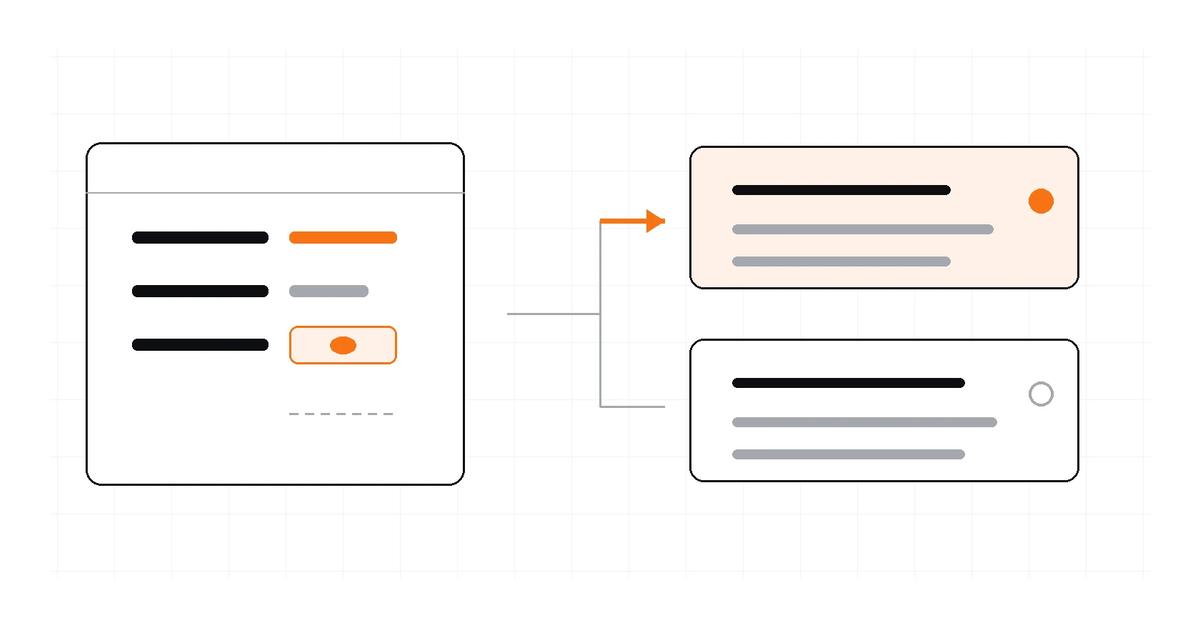
In TypeScript, an optional property and a nullable property describe different API states. name?: string means the property may be absent; name: string | null means the property is required but its value may be null. Use name?: string | null only when both conditions are allowed by the contract.
This distinction matters when you turn JSON into types: one sample can show a value of null, but it cannot prove whether the property may be omitted in other responses. If you have a sample ready, the Letinix JSON to TypeScript Converter can generate a starting declaration; review the result against the actual API contract.
The three shapes#
Consider these illustrative API response shapes:
{ "displayName": "Mina" }
{ "displayName": null }
{}
They are not interchangeable. The first contains a string value. The second contains the property with a JSON null value. The third does not contain the property at all.
Here are the corresponding TypeScript models:
interface UserWithName {
  displayName: string;
}

interface UserWithNullableName {
  displayName: string | null;
}

interface UserWithOptionalName {
  displayName?: string;
}

interface UserWithOptionalNullableName {
  displayName?: string | null;
}
Choose the narrowest model that matches the documented contract. Making every field optional may quiet compiler errors, but it also weakens the guarantee your type provides.
What ? means#
The ? modifier makes a property optional. An object typed with displayName?: string may omit that key:
const a: UserWithOptionalName = {};
const b: UserWithOptionalName = { displayName: "Mina" };
When you read the property, TypeScript must account for the possibility that it is absent:
declare const user: UserWithOptionalName;

const name = user.displayName;
// string | undefined when strictNullChecks is enabled
That undefined is a JavaScript read result; JSON itself has no undefined value. A missing JSON key becomes an undefined result when you access it as an object property.
With exactOptionalPropertyTypes, TypeScript also distinguishes an omitted optional property from explicitly assigning undefined unless undefined is included in the declared value type. This option is useful when the presence of a property has meaning in your application.
What | null means#
A union with null allows a present property to hold a null value:
interface UserProfile {
  displayName: string | null;
}

const profile: UserProfile = { displayName: null };
The property is still required. This object does not satisfy UserProfile because the key is missing:
const profile: UserProfile = {};
// Type error: displayName is required
Use T | null when the API contract explicitly uses null to represent a known state, such as no assigned owner or no value available. Do not assume that a null in one example means the property can also be absent.
When both states are allowed#
Some APIs allow the field to be omitted and also return null when it is present but has no value. If the API documentation or observed contract supports both cases, model them explicitly:
interface UserProfile {
  displayName?: string | null;
}
Consumers must then handle all three outcomes: a string, null, or undefined after reading an omitted property.
function labelFor(user: UserProfile): string {
  if (user.displayName == null) {
    return "Unnamed";
  }

  return user.displayName;
}
The == null check intentionally matches both null and undefined. If your logic needs to distinguish an absent key from an explicitly null key, test property presence separately with Object.hasOwn(user, "displayName") and then handle the value.
How to infer the right type from JSON#
A converter can infer types from the values in the sample. It cannot infer every possible response state from a single object. A property that appears with a string in your sample may be absent in another response; a property that is null may be nullable, or the sample may simply not contain a non-null example.
- Check the API's official schema or response documentation for required properties and nullability.
- Compare multiple realistic responses, including empty, partial, and error responses where relevant.
- Keep optionality and nullability separate in the type declaration.
- Add a runtime check when the incoming payload is not guaranteed to match the documented contract.
The Letinix converter documents optional-key inference when objects in the same array have different keys, and it maps a field that is null in some array objects and has a value in others to a union with null. Those are useful inferences from the supplied sample; they do not replace the API specification.
Common modeling mistakes#
- Using ? to mean nullable. field?: string does not permit a present null value.
- Using | null to mean optional. field: string | null still requires the property to exist.
- Making every property optional. This can hide contract mismatches and make consumers handle states the API never permits.
- Trusting one sample as a complete schema. Use authoritative documentation or more representative responses.
- Assuming the type validates incoming JSON. Type declarations do not validate network data at runtime.
References#
TypeScript Handbook: Object Types
TypeScript 4.4 release notes: exact optional property types
Letinix JSON to TypeScript Converter

Software Engineer and Researcher, writing about AI, developer tooling and automation.