Decoding a JWT online can be lower risk when the tool processes the token entirely in your browser, but the safest default is not to paste a live production credential into an untrusted website. First determine what the token grants, then confirm whether the decoder sends input to a server, stores it, or exposes it through analytics or other integrations. If you cannot establish the data flow, use a synthetic token or a trusted local development workflow.
A JWT is a token format, not a guarantee that its contents are secret or harmless. A signed JWT's header and payload are commonly readable by anyone who has the token. But an access token or refresh token can also function as a bearer credential: a party that obtains it may be able to use it, subject to its scope, audience, lifetime, binding and server-side controls.
What risk are you evaluating?#
Separate two questions that are often mixed together:
- Disclosure risk: could the token or its contents leave your machine, be logged, or become visible to another party?
- Trust risk: does decoding establish that the token is genuine or accepted by your API? It does not. Decoding is not signature verification or claim validation.
The first is about the inspection tool's data handling and your organization's policy. The second is about the cryptographic and application checks performed by the token consumer. A tool can process a token locally and still provide no evidence that its signature is valid.
Browser-local decoding versus server-side decoding#
| Workflow | Main consideration | Practical rule |
|---|---|---|
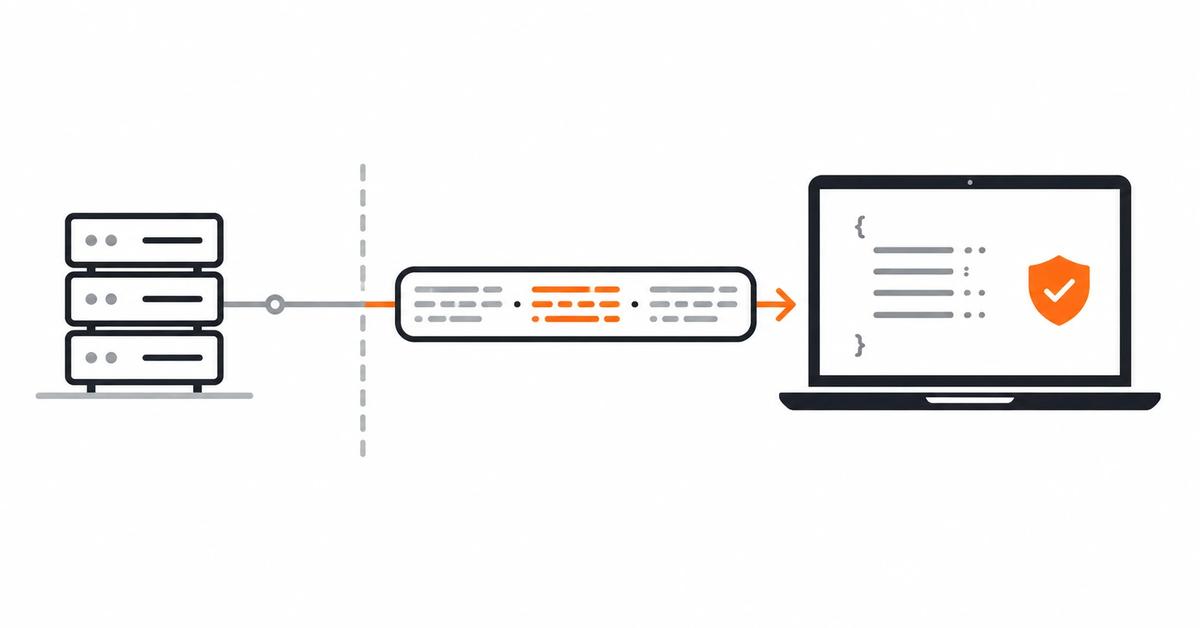
| Browser-local decoder | Input may not need to be transmitted, but verify implementation and other network behavior | Prefer clear, credible data-flow documentation; “online” alone does not mean uploaded or private |
| Server-side decoder | Service operator may receive the full token and could potentially log or retain it | Do not submit live production bearer credentials unless the service and use are explicitly approved |
| Local CLI/debugger | Reduces dependence on external services, but shell history and logs can still expose data | Use approved tooling and keep tokens out of shared logs and repositories |
| Synthetic/redacted token | Avoids exposing a real credential if sample values are fake | Best for examples, bug reports, documentation and reproducible tests |
“Runs in your browser” is a useful property, not a complete security review. A page can still load scripts, use analytics, or make other network requests. For sensitive environments, follow your security team's approved tooling and verify the behavior at the level your threat model requires.
What a JWT can reveal#
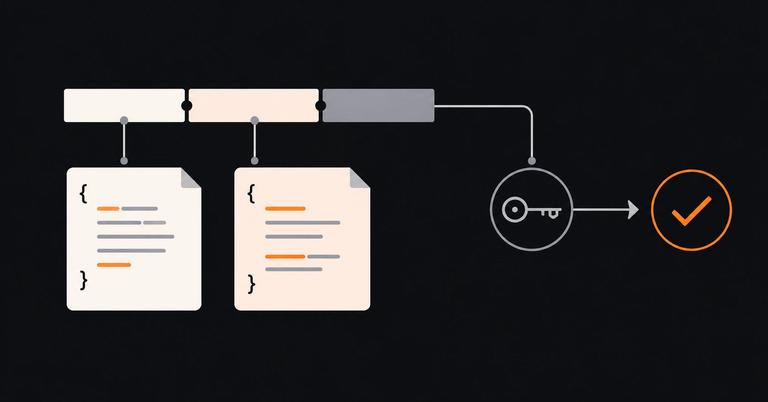
A signed JWT commonly encodes a JSON header and payload using Base64url. This is encoding, not encryption. Depending on the token profile, the payload may include identifiers, issuer and audience values, scopes, roles, tenant metadata, timestamps or other claims. Do not assume every JWT contains personal data or a reusable credential, but do treat live access and refresh tokens as sensitive unless the issuing system's documentation and your security policy say otherwise.
A JWE is different: its payload is encrypted. A decoder without the necessary decryption key cannot simply read the encrypted content. Do not infer the format or security properties from the word “JWT” alone; inspect the token format and issuer documentation.
A safer JWT inspection workflow#
- Classify the token. Determine whether it is a live access token, refresh token, ID token, test fixture or another JWT-based artifact. Treat bearer credentials as sensitive.
- Prefer synthetic data. If you need to understand a claim layout, generate a non-production example with fake identifiers and no working credential.
- Choose the processing location deliberately. Use a trusted local decoder or a browser-local tool whose behavior is documented. If you cannot establish whether input is transmitted or retained, do not paste the live token.
- Limit the data you share. When reporting a bug, include claim names, sanitized values and relevant timestamps rather than the raw token. Check that logs and screenshots do not include the credential.
- Keep inspection separate from validation. A decoded header or payload is untrusted input. Verify signatures and apply issuer, audience, time and token-profile checks in the actual application or trusted test harness.
- Rotate or revoke if exposure is suspected. Follow the issuer's documented incident procedure. Do not assume deleting browser history or closing the tab invalidates a token that another party may have copied.
Using Letinix JWT Inspector#
Letinix JWT Inspector decodes the JWT header and payload, explains standard claims, and displays time-claim status. Its current page states that decoding runs in the browser and the token is not stored or sent anywhere. That describes the tool's stated behavior; it is not a substitute for your organization's security review or an independent network audit.
The tool does not verify the token's signature, decrypt encrypted tokens, create tokens, or establish that a server will accept the token. Use it to inspect claims, not to decide whether to trust a credential. For production tokens, use only the workflow permitted by your organization's security policy; a synthetic token is preferable when it can answer the question.
What decoding does not tell you#
Even if the claims look plausible, decoding alone does not prove that:
- the signature or MAC is valid;
- the token was issued by a trusted issuer;
- the audience matches the receiving service;
- the token is currently acceptable under exp, nbf and the verifier's clock policy;
- the token has not been revoked or rejected by application-specific rules;
- the subject is authorized to perform the requested action.
Those checks belong to the configured verifier and application. See RFC 7519 for the JWT format and registered claims and RFC 8725 for JWT implementation best practices. For bearer-token handling, consult RFC 6750 alongside the documentation for your actual authorization server and API.
References#
RFC 7519: JSON Web Token (JWT) — IETF
RFC 8725: JSON Web Token Best Current Practices — IETF
RFC 6750: OAuth 2.0 Bearer Token Usage — IETF

Software Engineer and Researcher, writing about AI, developer tooling and automation.